Description
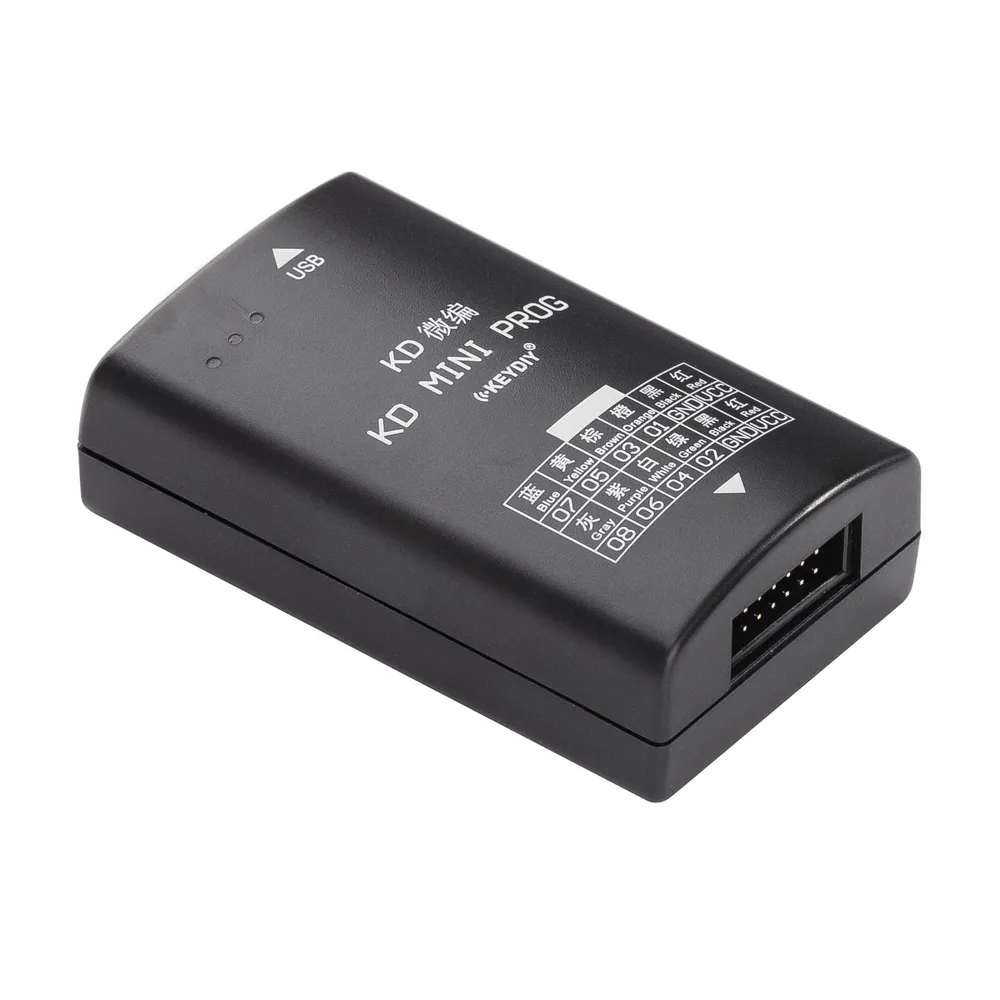
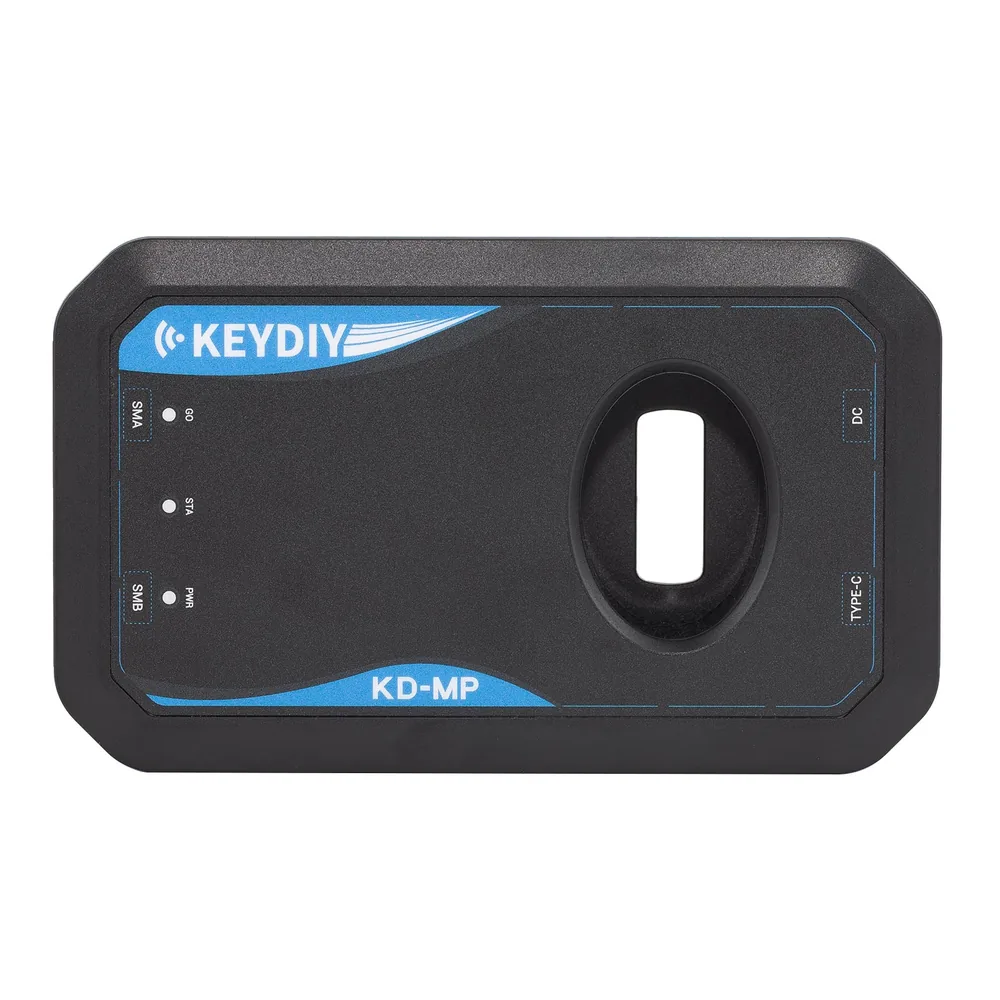
KEYDIY KD-MINI PROG(With C2 Adapter) Read Data Support VW MQB Work with KD-MATE to Add Key With All Keys Lost
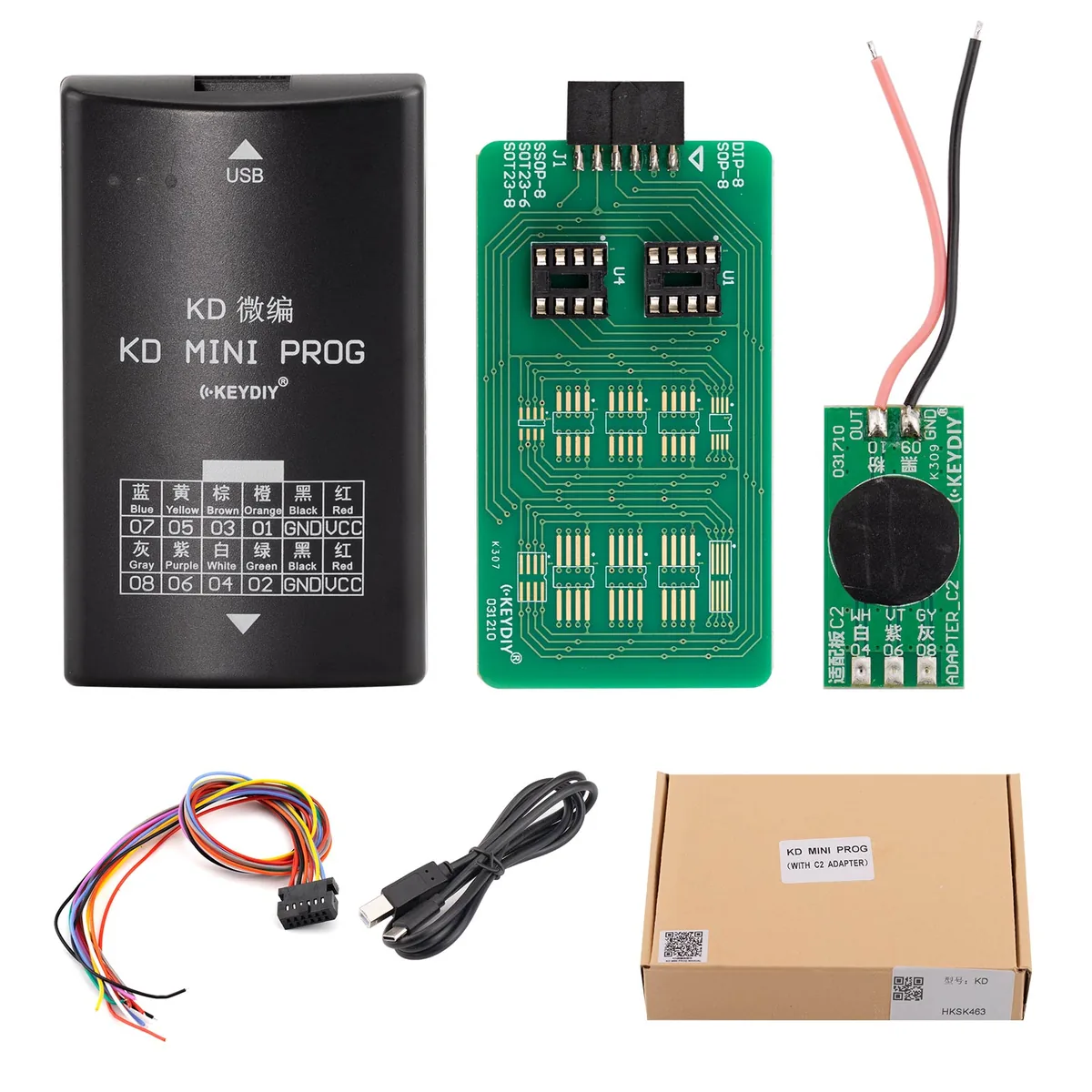
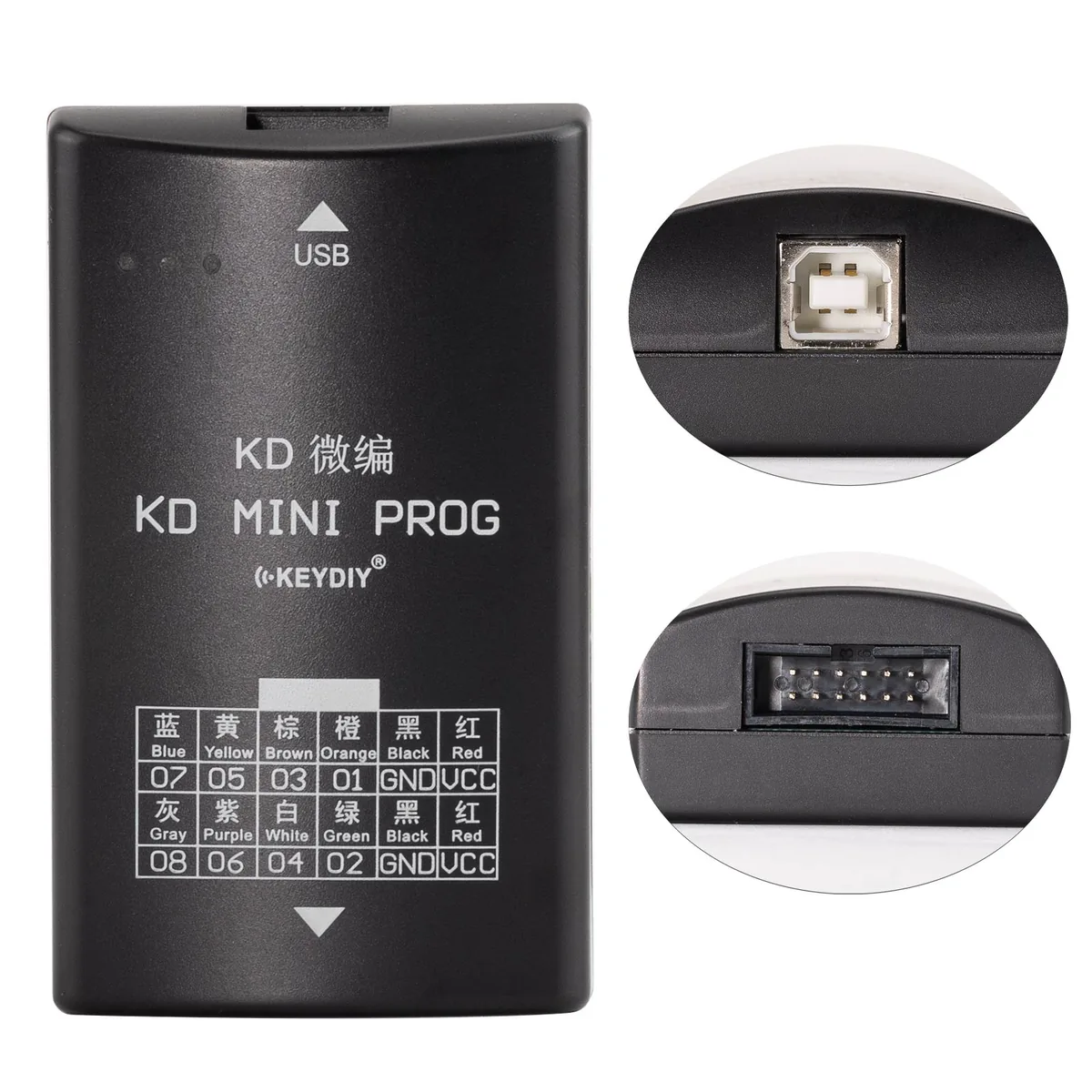
This product is specially designed for reading dashboard data, support VW MQB. Working with KD-MATE to add key. It can also adds key with all keys lost. It is a necessary tool for locksmiths.
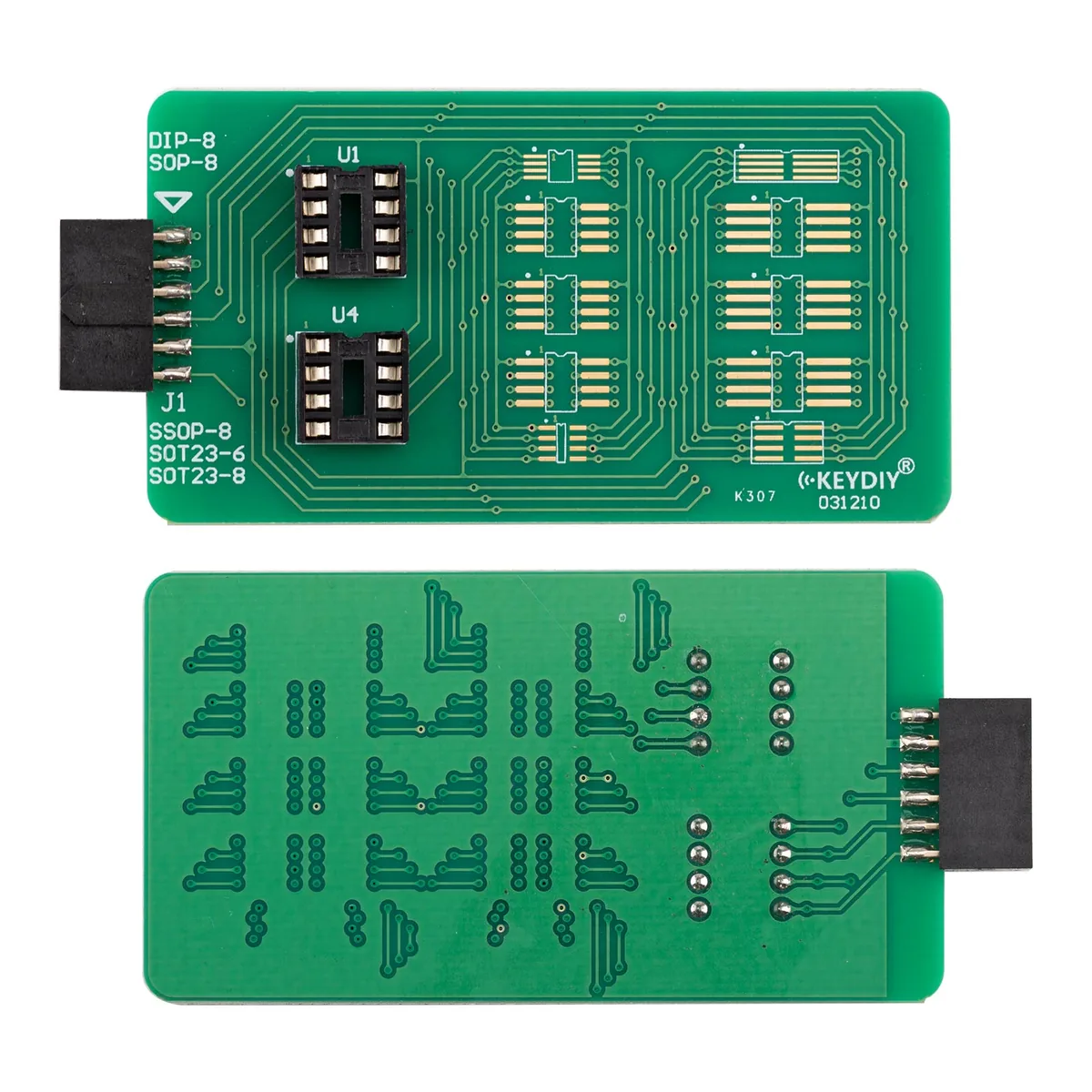
Adapter board function introduction:1. C1 adapter board function introduction:
1. Support EEPROM (95xxx) series 8 pins chip data reading, such as95160, 95320, 95640, 95128, 95256, 95512, etc;
2. Support EEPROM (93xxx) series 8 pins chip data reading, such as93C86 and 93C66;
Reading method: Weld the 8 pins chi p onto the C1 adapter boardand insert it into the KD MINI PROG, as shown in the figure. Openthe Mobile KD app and enter the KD MINI PROG to read the chipdata,Select the wanted chip model to be read data.
2. C2 adapter board function introduction:
Using the C2 adapter board with the KD MINI PROG to read theD70F35xx, D70F34xx, and R7F7014xx series instruments can achieveno cutting and no warping.The specific instrument wiring diagramcan be viewed on the Mobile KD app.
Product Specifications:
Standby current ≤15 mA
Working current ≤180mA
Working temperature: -20℃- 85℃
Working humidity: 20% – 100%
Steps of reading data 1.Select connection diagram according to the dashboard model(Connection diagram can be found in Mobile KD app-ImmoProgramming-KD Mini Prog), weld the cable harness to the corresponding position of the instrument according to the wiring diagram
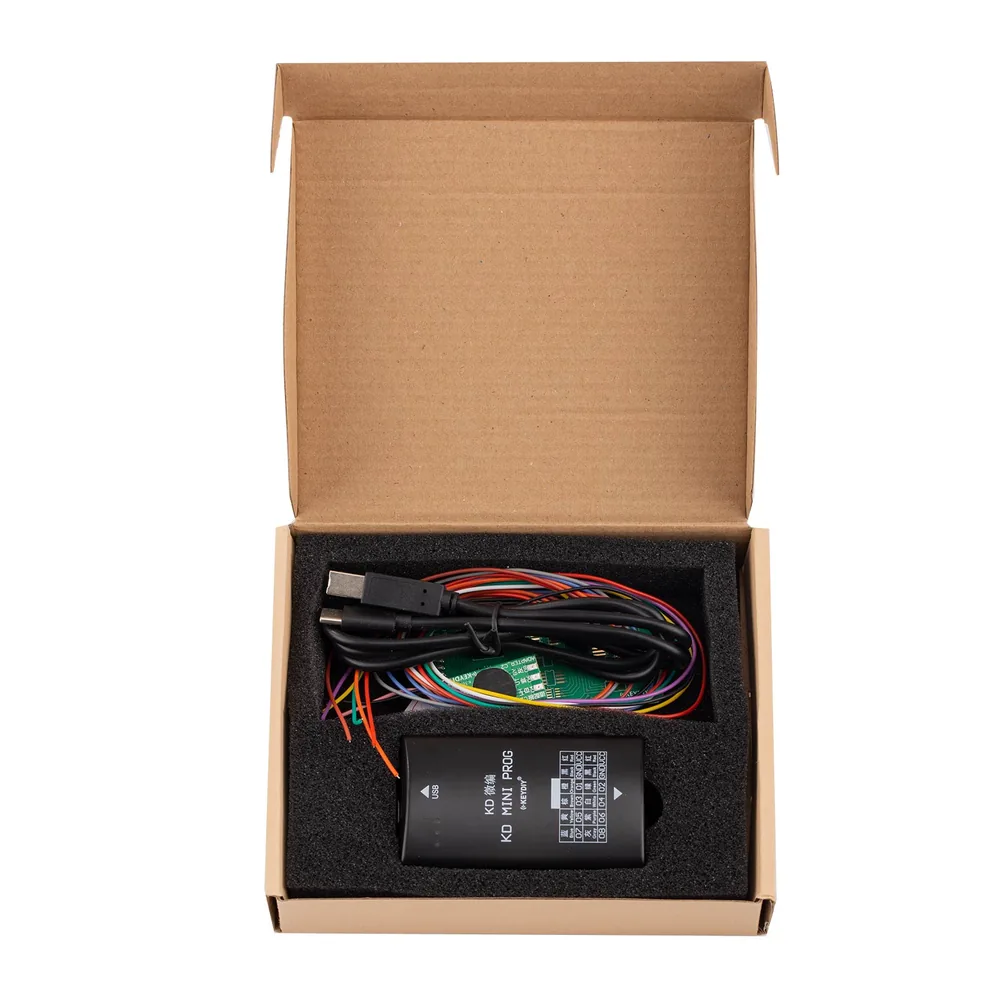
2.Insert the cable harness plug to the KD MINI PROG port, connect KD MINI PROG to KD-MAX(Or Android phone/tablet which supportOTG), see as above pictture.
3.Open the Mobile KD app, enter the menu of Immo Programming-KDMini Prog to read data, it may needs 5-10 seconds. Notice: Please make sure KD-MAX or the phone do have enough power to avoidreading failure.
Disclaimer:Before use, please carefully read the product manual and strictly follow the steps described in the manual for installation and use; If personal or property damage is caused by improper use, ourcompany shall not be held responsible.
Package includes:
1pc x host
1pc x OTG cable
1pc x Special cable harness
1pc x Adapter plate
1pc x Quality certificate
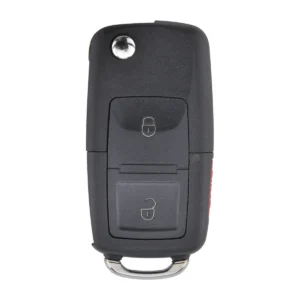 KEYDIY B01-2 Universal Remote Key (2-Button) 1 × $6.40
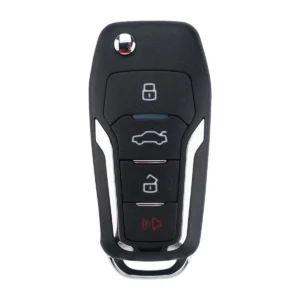 KEYDIY B12-3+1 Universal Remote Key (4-Button) 1 × $6.40
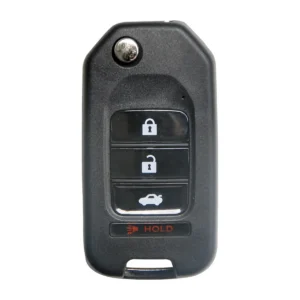 KEYDIY B10-3 Universal Remote Key (3-Button) 1 × $6.40
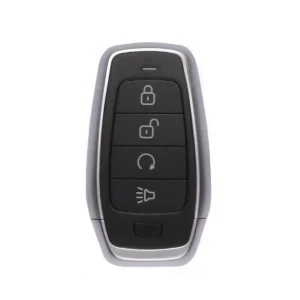 Autel IKEYAT004BL Universal Smart Key (4-Button) 1 × $17.80
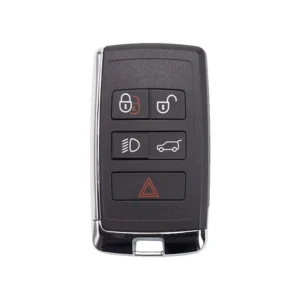 Autel IKEYLR005AL Universal Smart Key (5-Button) 1 × $21.80
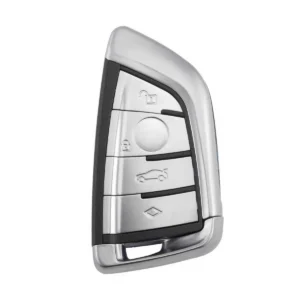 BMW F-Series Smart Key Shell 3+1 Button for XSBMK1/FGB23 1 × $4.20
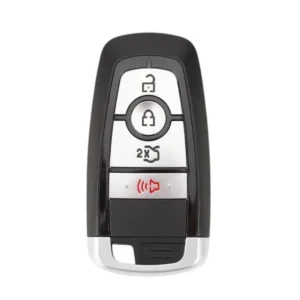 Autel IKEYFD004AH Universal Smart Key (4-Button) 1 × $19.80
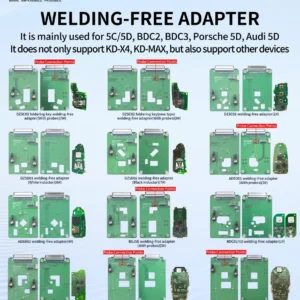 KEYDIY Welding-Free Adapter 1 × $239.00
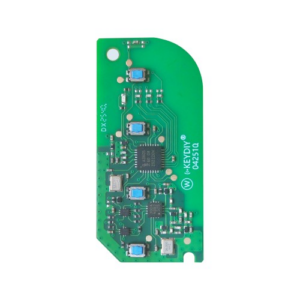 KEYDIY FGB58 BMW Style PCB 1 × $19.29
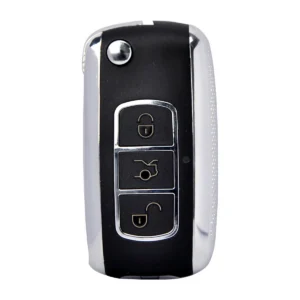 KEYDIY B07 Universal Remote Key 1 × $6.40
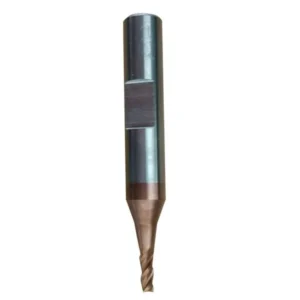 Xhorse 2.0mm Milling Cutter 1 × $14.99
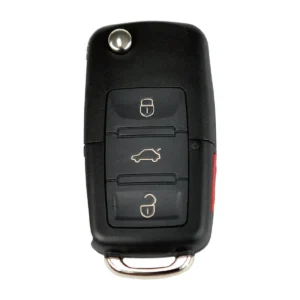 KEYDIY B01-3+1 Universal Remote Key (4-Button) 1 × $6.40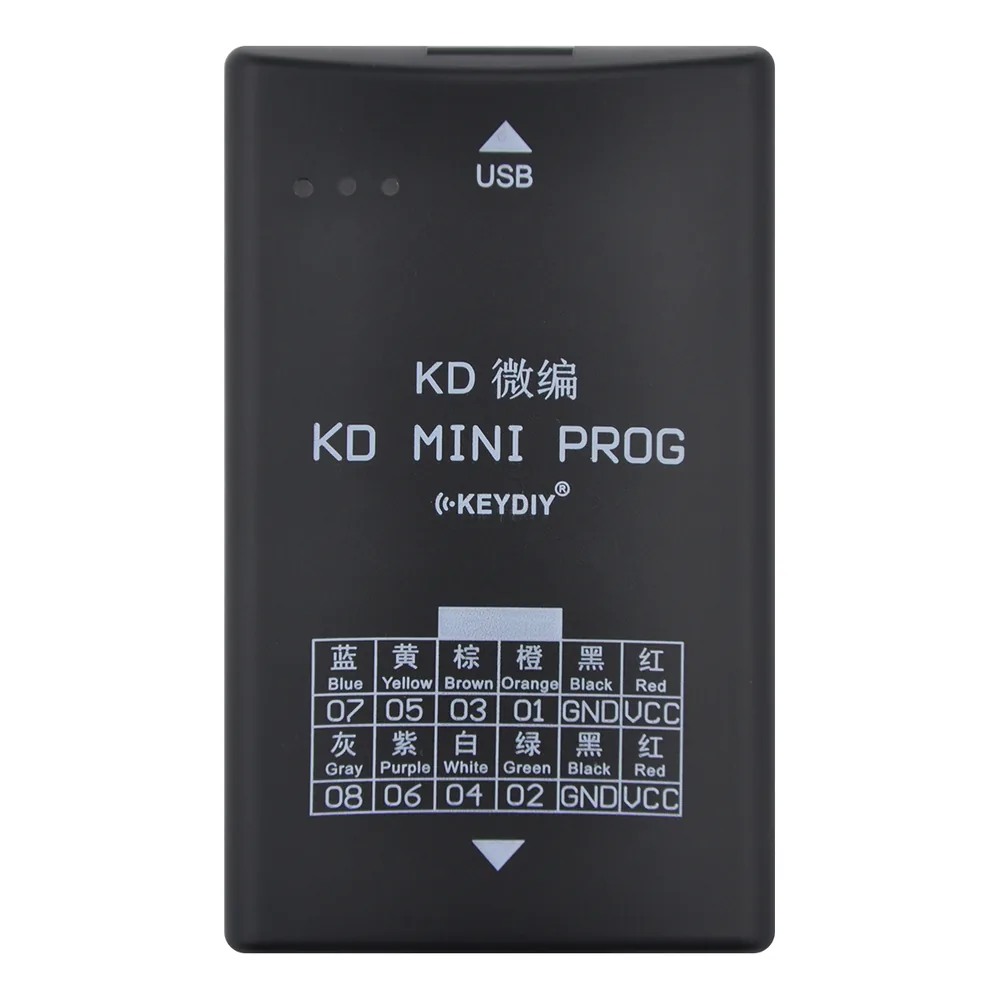


Reviews
There are no reviews yet.