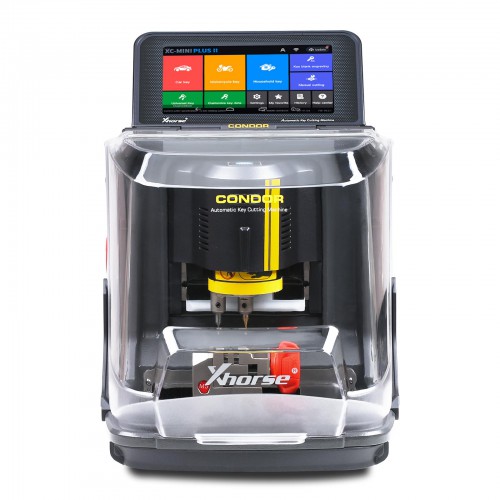
Description
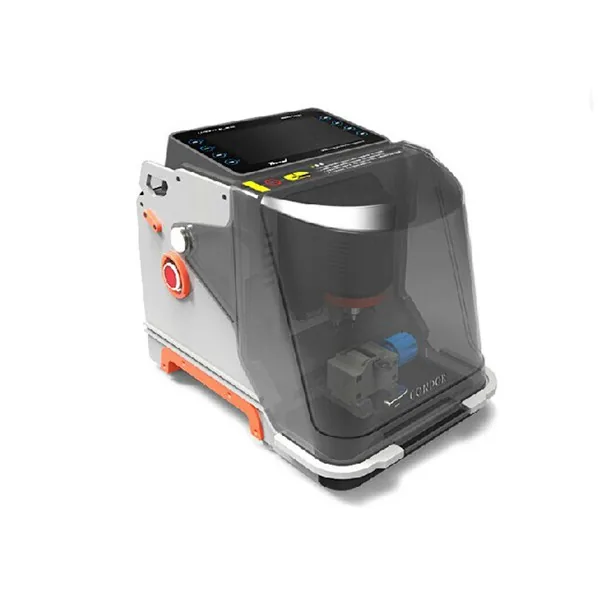
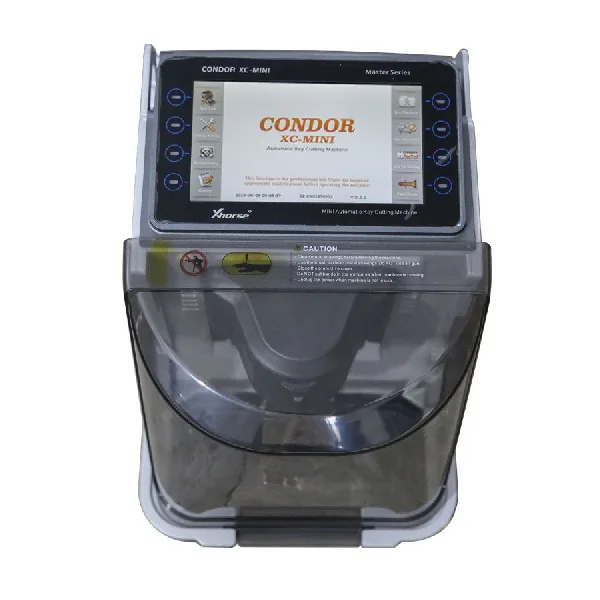
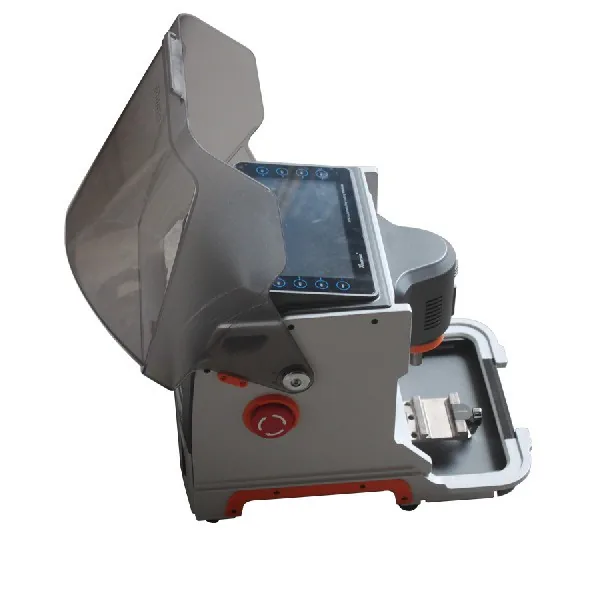
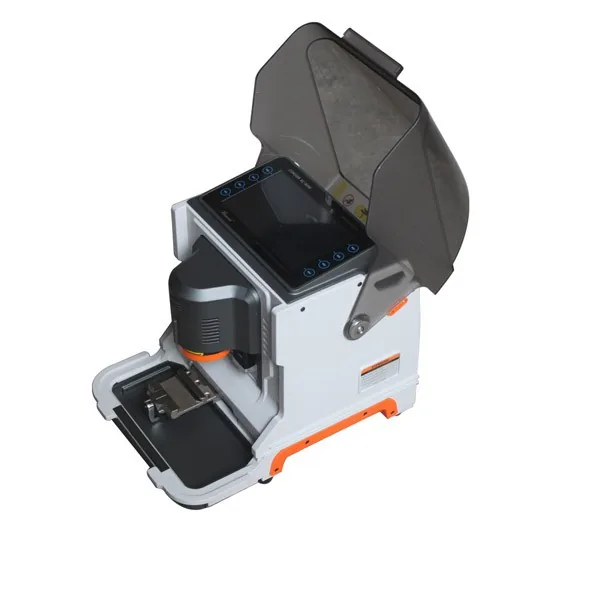
Top 11 Reasons to Get iKeycutter CONDOR XC-MINI:
1. Built-in Database
2. Support Multi-languages: English Portuguese Spanish French Germany Czech Arabic Dutch Polish Bulgarian Norway Slovakia Italian Chinese Turkish (Russian and other language will add later) (The machine will come in English. Pls offer us serial number if you want to change to other language)
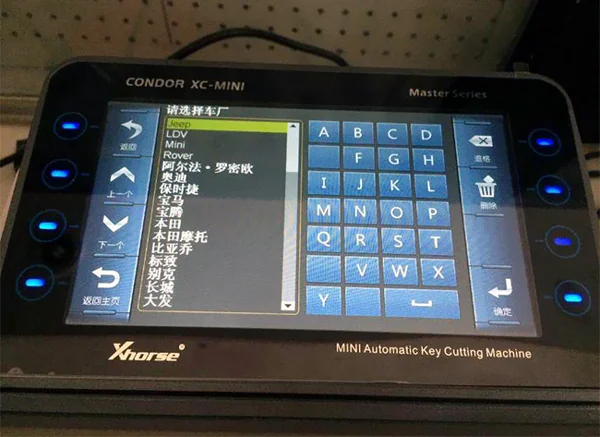
3. 7” Capacitive Touch Screen
4. 3-Axis Precision Ball Screw Transmission
5. Cross Rail
6. All Aluminum Machine Body
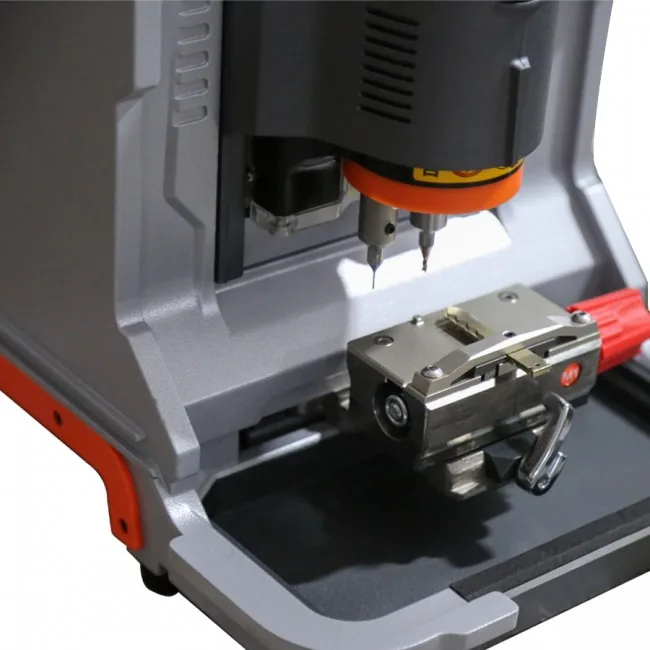
7. Single machine with both Tracer/Cutter
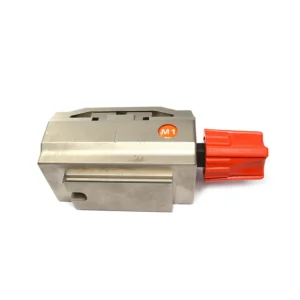
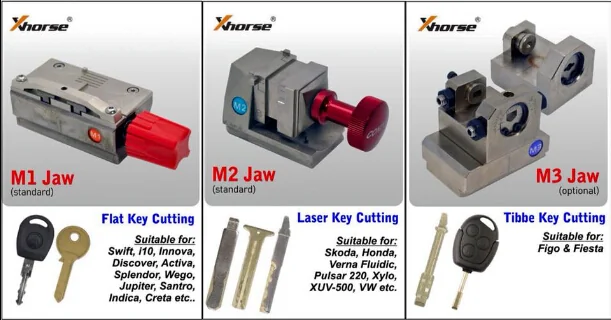
8. Standardly include 2 clamps M1/M2
9. Software supports online-update
10. Support Sided, Track, Dimple, Tibbe keys
11. Some Dimple, Tibbe keys need optional clamps
How to Update Condor XC-mini with Xhorse Update Kit
Condor XC Mini Update Feature:
V5.0.9 (2018.05.23)
Add universal key decode function
Add M2-D function
Add motor sensor testing function
Modify probe cutter detection
Fix machine may crash error problem
Fix HU49 key decide error
Fix HU66 cutting speed issue
V5.0.4 (2018.04.24)
bug fix: HU43, HU56R, HU64, HU101
modify: HU43, HU56R use clamp M2-D
V5.0.1/5.0.2 (2018.04.02)
modify
Mahindra (India) XYLO & SCORP10
Honda Cycles (India) / activa 3G
Eero(India) / Splendor Minda, TVS (India) / WEGO, Tata (India) / Ace, Suzuki (India) / Access (new)
Honda Cycles (India) / Spark Minda, Suzuki Cycles (India) / Access (new),Hero (India) / Splendor Minda
Honda (India) / BRIO, Tata (India) / Viata,TVS (India) / WEGO,Mahindra (India) / Duro.Yamaha (India) / FZ add key: HU162
fix some bug.
V4.0.4 (2018.01.31)
-add new screen compatible
-increase the civilian key holder m4
-universal key copy :bug fixes
-india: honda activa database
-fo21 modified
-modify the cutting method
-limit cutting speed
-modify gm45 to position m2-c
V4.0.3 (2017.12.31):
1-New Screen Compatible
2-Modify THE cutting method
3-Limit Cutting SPEED
4-Modify GM45 to Postion M2-C
V4.0.2 (2017.11.16)
——————————————
+ Add universal key decode function
+ Add M2-D function
+ Add motor sensor testing function
* Modify probe/cutter detection
* Fix machine may crash error problem
* Fix HU49 key decode error
* Fix Fix HU66 cutting speed issue
V4.0.1(2017.06.16)
——————————————
+Add universal key decode function
+Add M2-D function
+Add motor sensor testing function
*Modify probe/cutter detection
*Fix machine may crash error problem
*Fix HU49 key decode error
*Fix HU66 cutting speed issue
*Fix BW6 cutting error
*Fix TBE1 cutting error
Notes:
1.New update for both SN KM02/KM03 machines
2.New function:Main Interface-Key Duplication-Universal Type
3.Universal Type support decode/cutting parts of home & vehicle keys
4.Please keep the whole key clean and conductivity good(ensure without dust/oil)
5.For one side key (thickness of whole key usually 1.5mm or 2.00mm) please add a shim/business card under the key,ensure the whole key thickness should more than 3mm
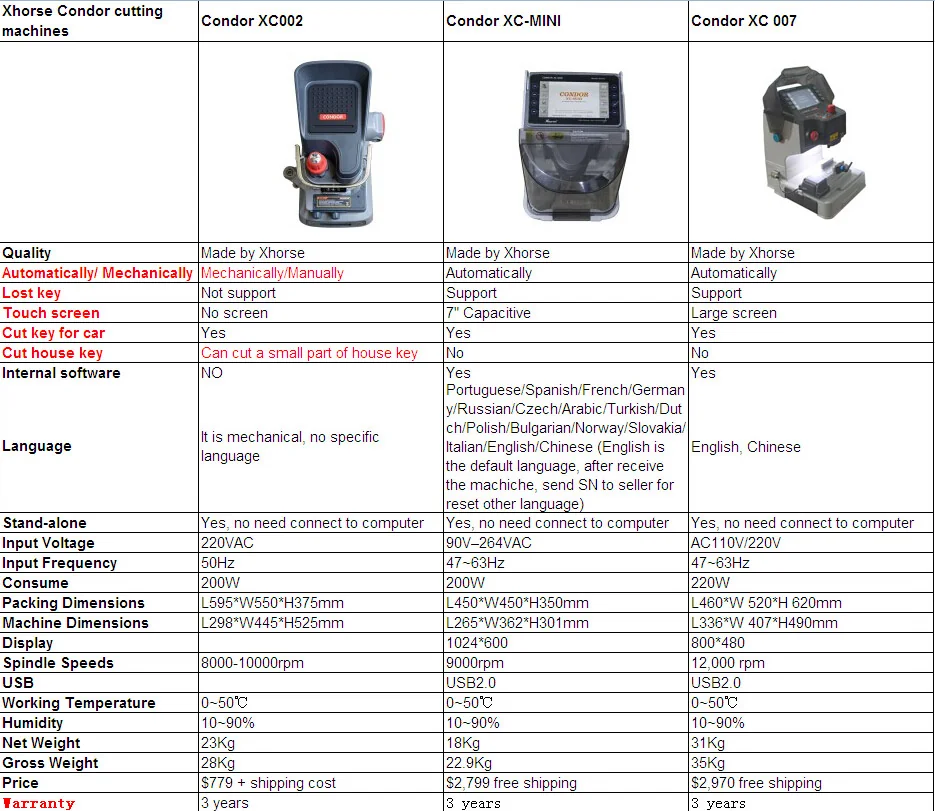
iKeycutter CONDOR XC-MINI Master Series Automatic Key Cutting Machine Specifications
| Input Voltage | 90V–264VAC |
| Input Frequency | 47~63Hz |
| Consume | 200W |
| Packing Dimensions | L450×W450×H350mm |
| Machine Dimensions | L265×W362×H301mm |
| Display | 1024×600 |
| Spindle Speeds | 9000rpm |
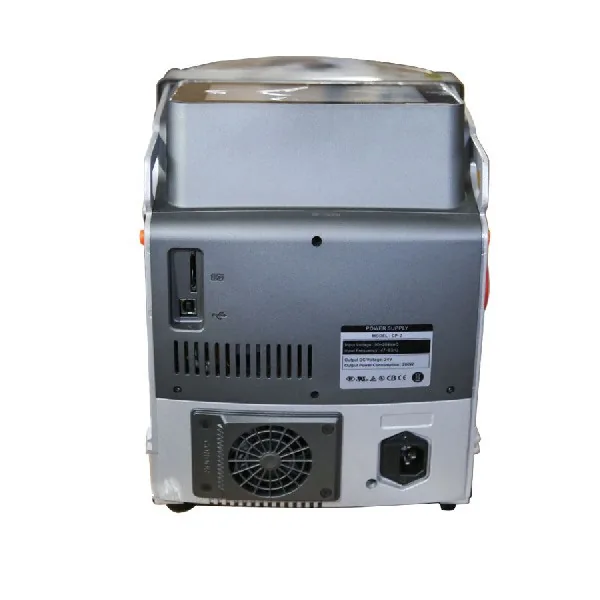
| USB | USB2.0 |
| Working Temperature | 0~50℃ |
| Humidity | 10~90% |
| Net Weight | 18Kg |
| Gross Weight | 22.9Kg |
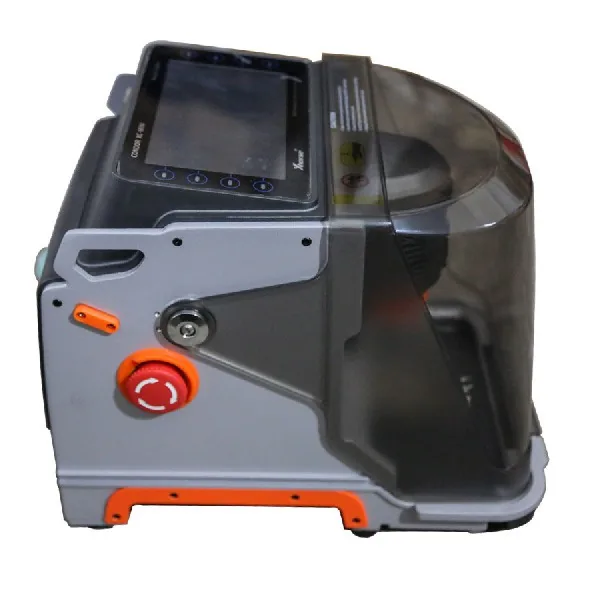
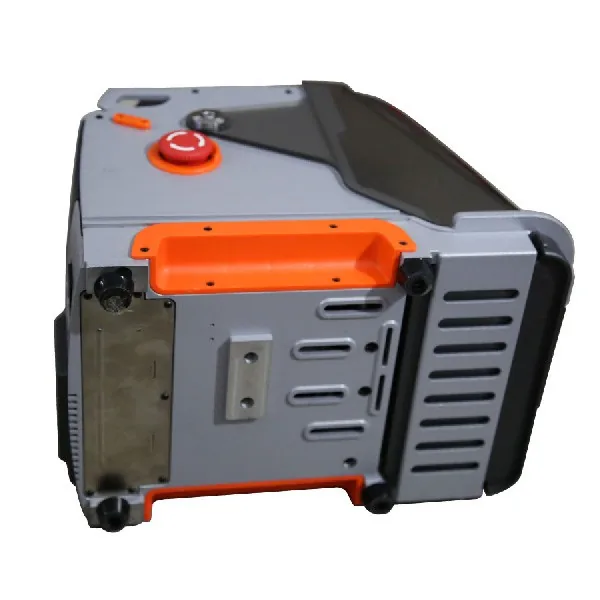
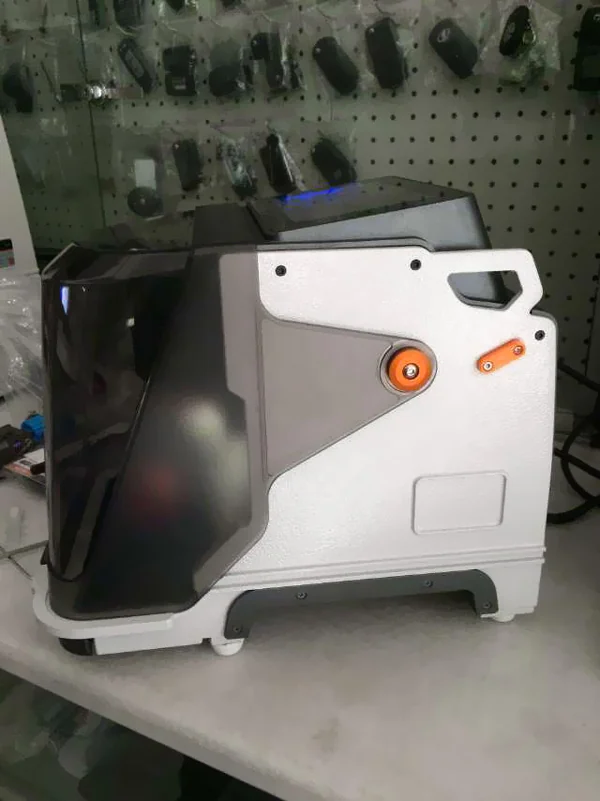
Condor XC-MINI Profile:
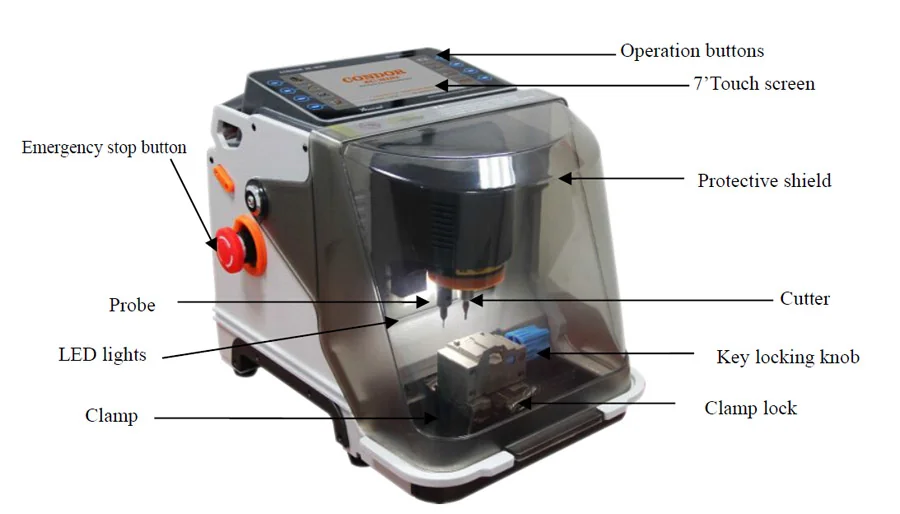
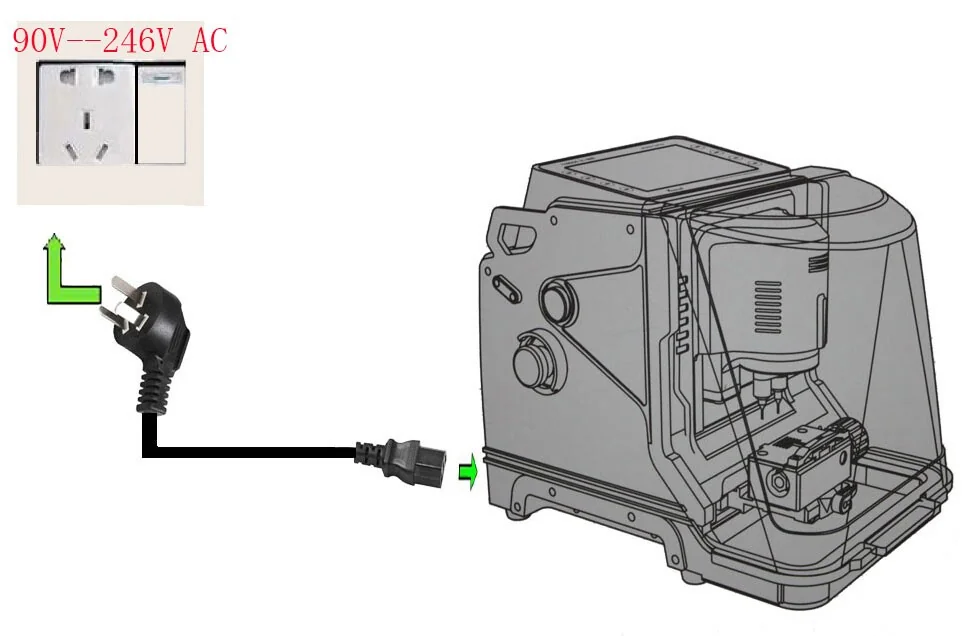
Xhorse CONDOR XC-MINI Key Cutting Machine Connection:Office connection:
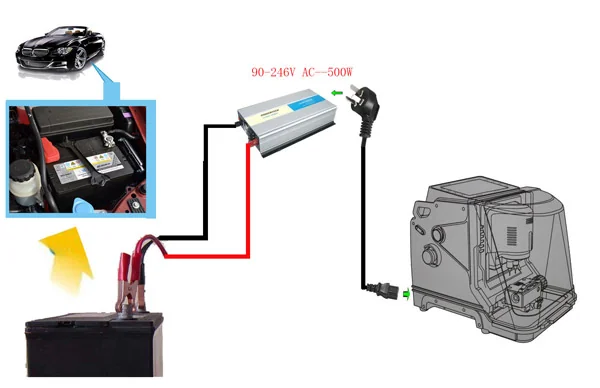
When cutting on the car, it needs a 300W Inverter power supply :
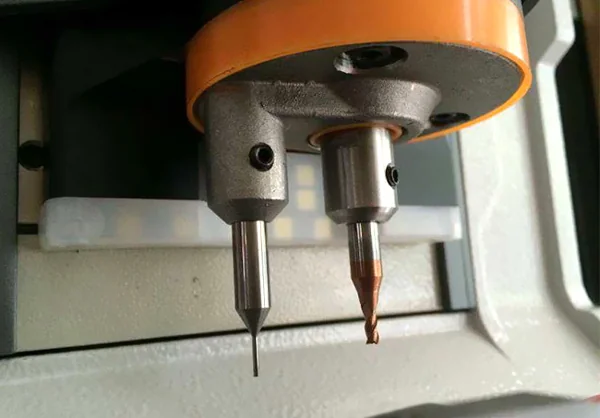
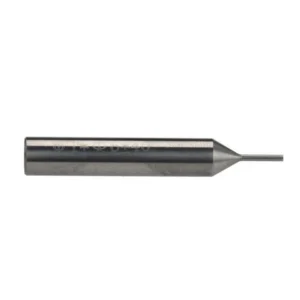
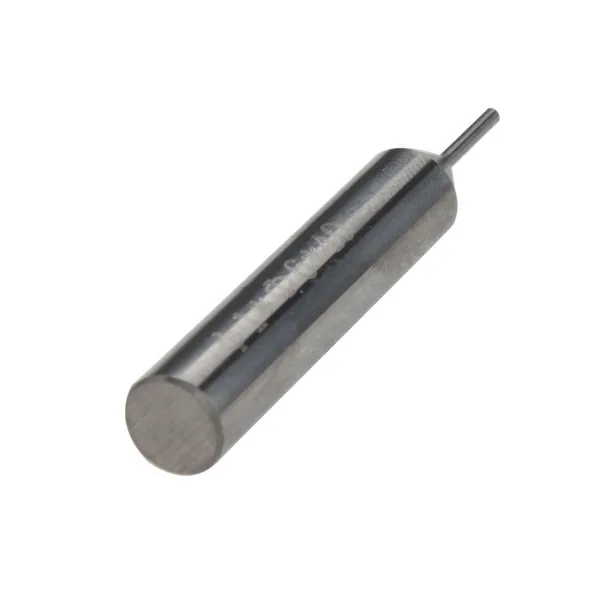
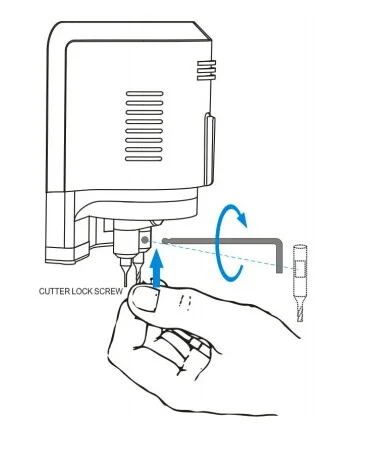
How to Install the cutter?
To Install the cutter
1. Put the cutter into the cutter hole and to the top limit position, ensure the section of cutter and clamp lateral parallel
2. Turn the CUTTER LOCK SCREW
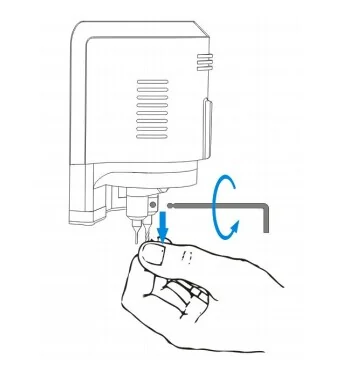
To Remove the Cutter
1. Hold the cutter lightly, Turn the CUTTER LOCK SCREW counterclockwise
2. after the cutter loosen, remove it
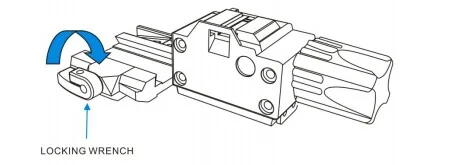
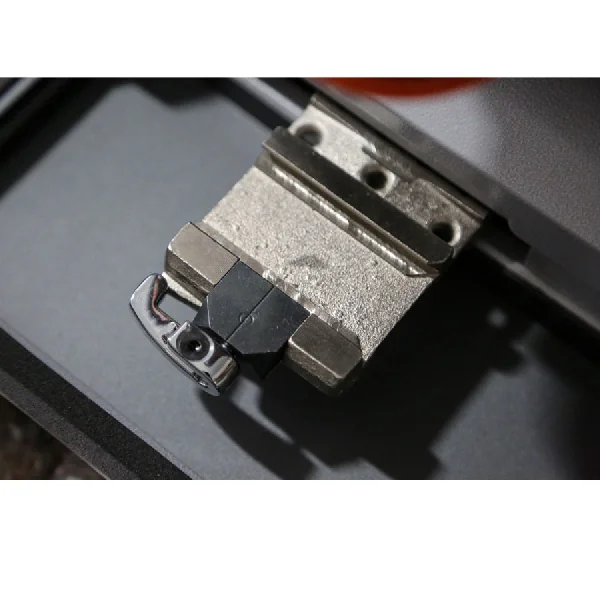
To Install the Clamp
1. Turn the LOCKING WRENCH counterclockwise on the left side to loosen.
2.Choose the clamp according to the key type, Push the clamp from the right side of the CLAMP CARRIAGE to limit position
3. Turn the LOCKING WRENCH clockwise to tighten the clamp
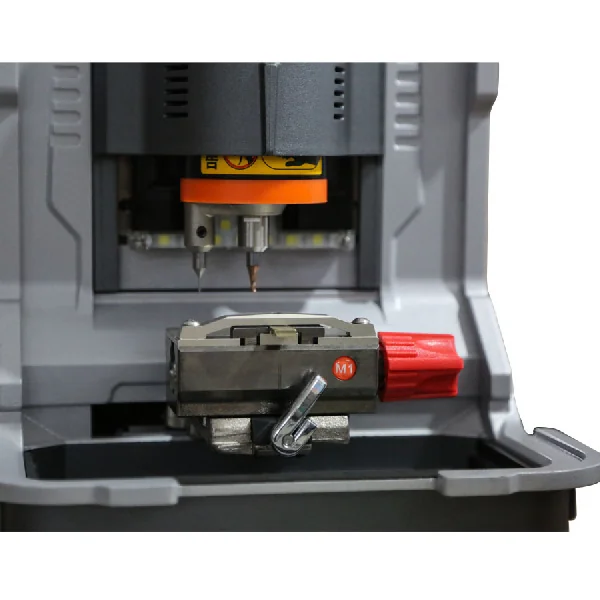
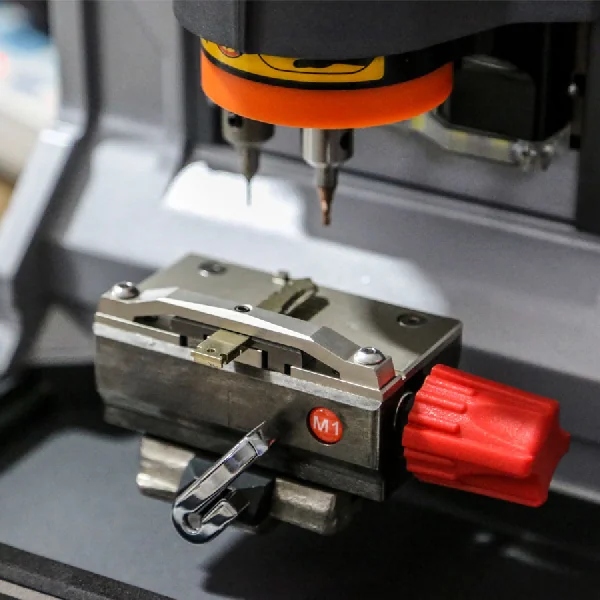
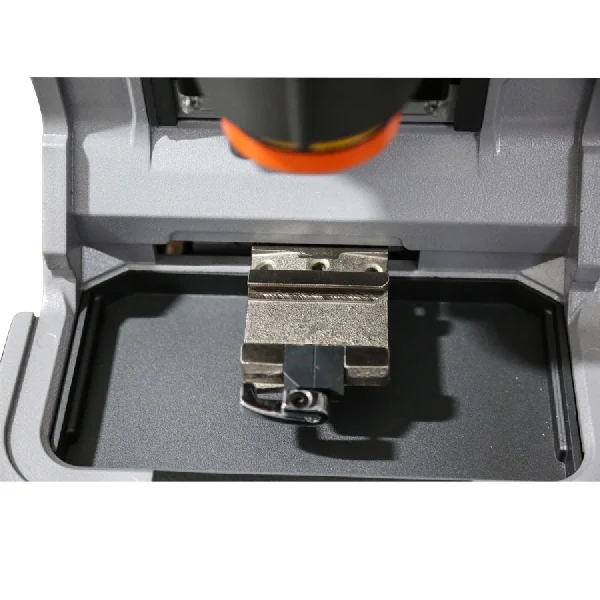
Condor XC Mini M1, M2, M3 Clamp & Function
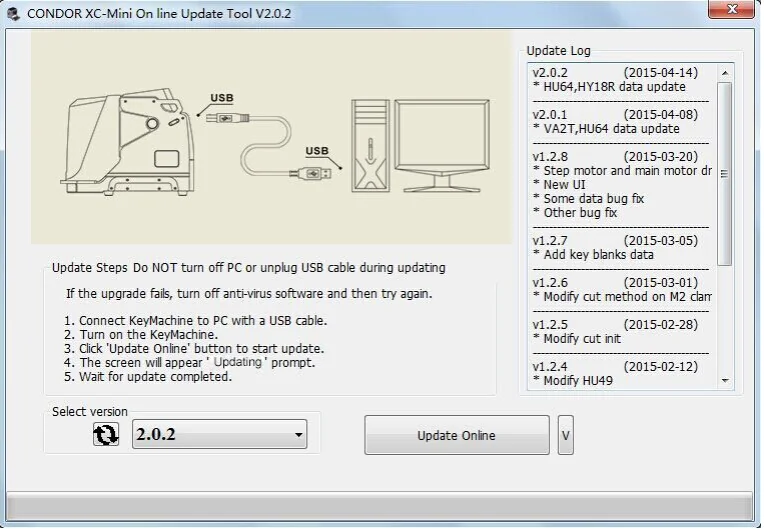
Condor XC-MINI Key Cutting Update Steps:
1. Connect iKeycutter CONDOR XC-MINI Master to the PC with a USB cable.
2. Turn on the iKeycutter CONDOR XC-MINI Master.
3. Click “Update online” button to start update.
4. The screen will appear “Updating” prompt.
5. Wait for the update completed.
Notes:
A: Do NOT turn off PC or unplug USB cable duing updating.
B: Data downloading and firmware upgrading may take a while, please be patient.
C: If the update fails, turn off anti-virus software and then try again.
iKeycutter Packaging list:
1pc x 2.5mm Cutter
1pc x 1.5mm Cutter
2pcs x 1.0mm Probe
1pc x 2mm Allen wrench
1pc x Power cord(1.5m) (optional) (USA, European, British, Chinese Standard)
1pc x USB Cable(2.0m)
1pc x Brush
1pc x M1 Clamp for Single, Double sided keys
1pc x M2 Clamp for Channel-track keys
1pc x Condor xc-mini key machine body
1pc x Quality certificate
1pc x Product packaging checklist
1pc x User’s Manual
If you have any problem, please feel free to contact us.
 Lishi CY24-CV 2in1 Decoder and Pick 1 × $14.55
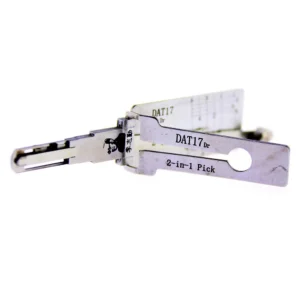 Lishi DAT17 2-in-1 Car Pick and Decoder Tool 1 × $21.00
 Volvo Emulator - S60 S80 XC60 XC70 Steering Lock Emulator Simulator With Lock Sound 1 × $36.73
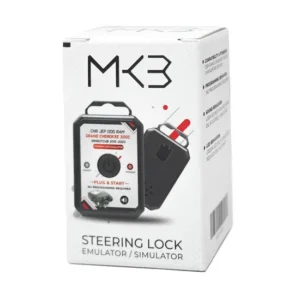 Jeep Emulator - Grand Cherokee Emulator - Chrysler Emulator 2015-2021 STEERING LOCK Emulator Simulator with Original Connector 1 × $36.73
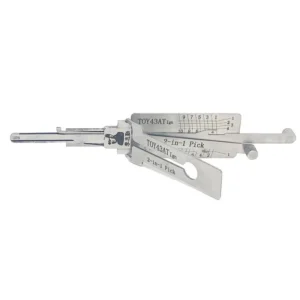 LISHI 2-1 TOY43-AT TOYOTA (10 TAILLES) 1 × $21.00
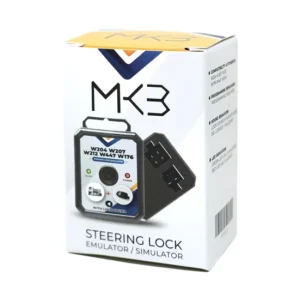 Mercedes Benz Universal - W204 W207 W212 W176 W246 ( FBS3 )ESL / ELV Steering Lock Simulator Emulator 1 × $19.12
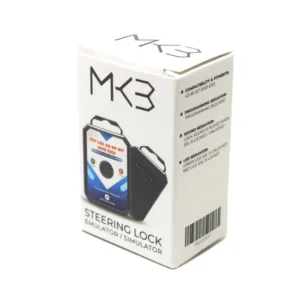 Toyota Lexus 40-80 BIT 2005-2019 Steering Lock Emulator With Lock Sound Programming Required 1 × $47.79
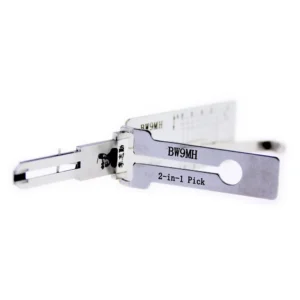 Lishi BW9MH BMW 2 ni lockpick 1 ati decoder tootọ 1 × $21.00
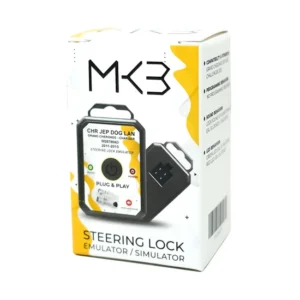 Jeep Grand Cherokee Chrysler Dodge 2011-2013 Steering Lock Emulator Simulator 1 × $19.85
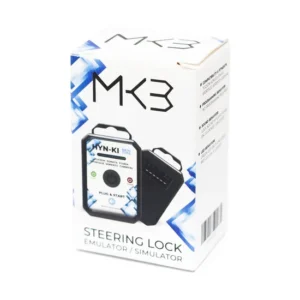 Hyundai Kia New Type Steering Lock Emulator With Lock Sound 1 × $33.46
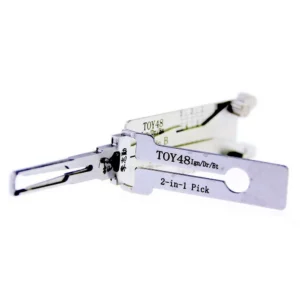 Lishi TOY48 2in1 Decoder and Pick 1 × $21.00
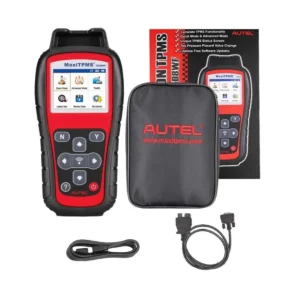 Autel MaxiTPMS TS508WF TPMS Tool 1 × $163.69
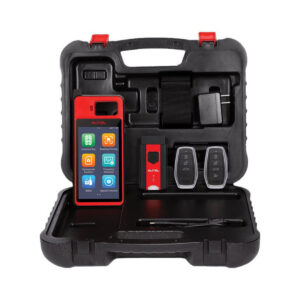 Autel MaxiIM KM100 KM100E Universal Key Generator Kit Support Transponder Reading/ Cloning and IMMO Learning Free Update Online Lifetime 1 × $376.49
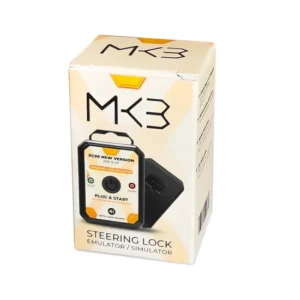 Volvo XC90 -S90 - V60 - XC60 New Version 2021 & UP Steering Lock Emulator Simulator With Lock Sound 1 × $36.73
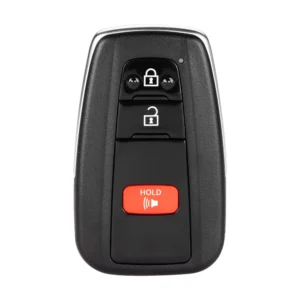 Autel IKEYTY8A3AL Universal Smart Key (3-Button) 1 × $30.00
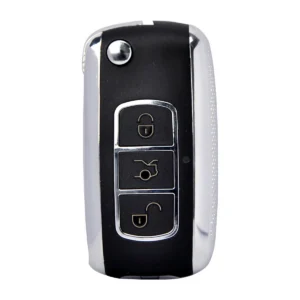 KEYDIY B07 Universal Remote Key 1 × $6.40
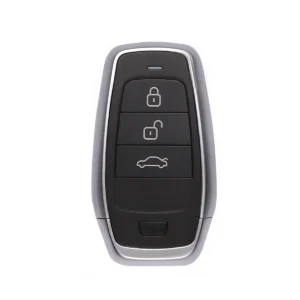 Autel IKEYAT003BL Universal Smart Key (3-Button) 1 × $17.80
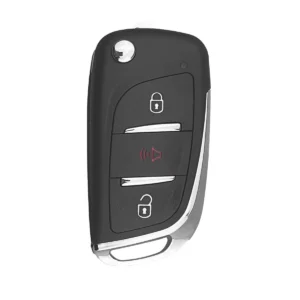 KEYDIY B11-2 Universal Remote Key (2-Button) 1 × $6.40
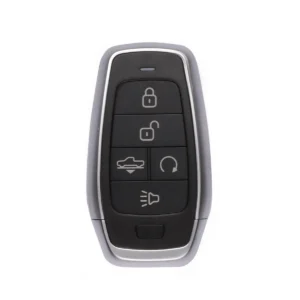 Autel IKEYAT005AL Universal Smart Key (5-Button) 1 × $17.80